
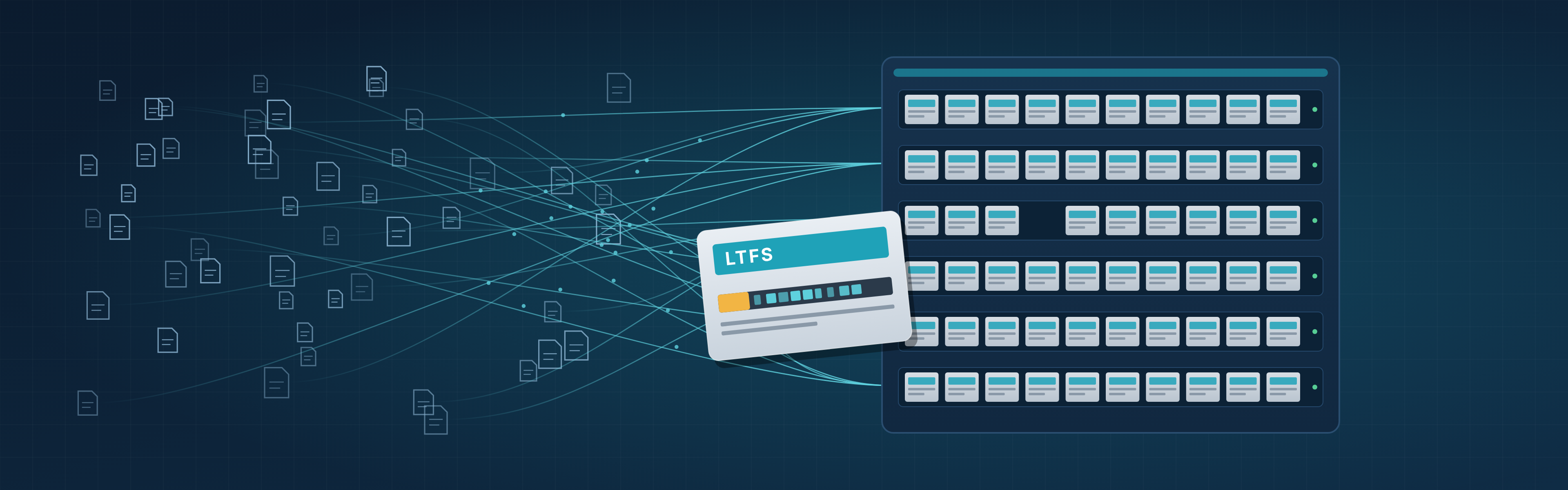
Tape is still where most long-term scientific data ends up. It is cheap per terabyte, uses no power while it sits on a shelf, and lasts for decades. The weak point has rarely been the tape itself. It has been the software: archives written in a proprietary format can only be read back by the product that wrote them, and products are retired long before the data stops mattering. LTFS, the Linear Tape File System, was designed to remove that dependency. This article explains how LTFS works, what it is good at, where it falls short, and how it fits into an active archive.
What is LTFS?
LTFS is an open format for writing files to tape so that any LTFS-compatible system can read them back, without the original application. A tape written with LTFS describes itself: the cartridge carries both the files and an index of those files, in a documented format.
When you mount an LTFS tape, it appears as a file system. You see directories and files, you can list them, and you can copy files on and off with ordinary tools. Under the hood it is still sequential tape, but the format hides most of that from the user.
A few facts about its background:
- LTFS was introduced by IBM in 2010 together with LTO-5, the first LTO generation that supports partitioning a cartridge.
- The format specification is maintained by SNIA, the Storage Networking Industry Association.
- It is published as an international standard, ISO/IEC 20919:2016.
- Every LTO generation since LTO-5 supports it, and implementations exist from several tape drive and library vendors as well as open-source projects.
That last point matters most. Because the format is open and standardised, the ability to read your archive does not depend on one vendor staying in business, or one product staying on its roadmap.
How LTFS works: two partitions and an index
An LTFS cartridge is split into two partitions.
- The index partition is a small area at the start of the tape. It holds the index: an XML document that lists every file and directory, with names, sizes, timestamps, extended attributes, and the exact position of each file's data on the tape.
- The data partition holds the file contents, written sequentially. Copies of the index are also written to the data partition as files are added, so the history of the tape's contents is recoverable.
When a drive loads the cartridge, the LTFS software reads the index from the index partition and presents the tape as a mounted file system. Listing a directory reads only the index, so it is fast. Reading a file means positioning the tape at the right place in the data partition, which takes time, then streaming the data at full drive speed.
Because the index is XML and the format is documented, the archive is readable in a way that proprietary formats are not. Even without LTFS software, a determined engineer could reconstruct the file list from the index. In practice, any LTFS implementation on any supported drive can mount the tape.
What LTFS gives a scientific archive
For storage and HPC teams that keep data for ten, twenty or fifty years, LTFS solves several practical problems.
- No lock-in on the format. You can change archive software, library vendor or service provider and still read the tapes you already have.
- Portable data exchange. An LTFS tape can be shipped to a partner, a funder, or another site and read there with standard tools. This is common for large datasets that are too big to send over the network in reasonable time.
- Self-describing content. The index travels with the data. If the catalog database is lost, the tape still says what is on it.
- Standard file access. Files on an LTFS tape keep their names and directory structure, so they can be found without translating object IDs or backup set numbers.
- Long-term preservation policies. Many preservation guidelines favour open, documented formats. LTFS gives tape that property.
What LTFS does not do on its own
LTFS is a format, not an archive system. Teams that try to run a large archive on raw LTFS mounts usually hit the same limits.
-
It is one tape at a time. A mounted LTFS volume is one cartridge. A library with hundreds of cartridges is hundreds of separate file systems. Something has to decide which file goes on which tape, and keep track of it.
-
Tape is still sequential. LTFS makes tape look like a disk, but it does not make it behave like one. Opening many small files in random order causes the drive to seek back and forth, which is slow and wears the media. Applications that treat an LTFS mount as a normal directory can trigger exactly that.
-
Deleting does not free space. Tape is append-only. When a file is deleted or overwritten on LTFS, the index is updated, but the space on tape is not reclaimed until the cartridge is reorganised or rewritten.
-
There is no policy or verification layer. LTFS has no notion of "keep two copies on two tapes in two rooms", "move data older than 180 days", or "check every file after writing". Those are archive functions that sit above the format.
-
Recall needs orchestration. When a researcher asks for a dataset spread across several tapes, someone or something has to queue the requests, load the right cartridges and read files in tape order.
LTFS vs. proprietary tape formats
Before LTFS, most archive and backup software wrote tape in its own format, often with data packed into large containers and the catalog held separately in a database. That approach can be efficient, but it ties every tape to the software that wrote it.
| Question | Proprietary tape format | LTFS |
|---|---|---|
| Readable without the original software | No | Yes, with any LTFS implementation |
| Index stored on the tape itself | Usually not | Yes |
| Files keep names and directory structure | Usually not | Yes |
| Open, published specification | No | Yes (SNIA, ISO/IEC 20919) |
| Policies, copies and verification | In the software | Not in the format; needs an archive layer |
| Handles millions of small files well | Often, through aggregation | Not without help |
The conclusion is not that LTFS replaces archive software. It is that the archive software you choose should write an open format, so that the archive outlives the software.
Using LTFS inside an active archive
An active archive keeps data on lower-cost storage such as tape or object storage, while users and applications can still find and recall it through a normal namespace. The goal is simple: data leaves the expensive tier, but it does not leave reach.
LTFS fits well as the format underneath. The archive layer handles what LTFS does not: placing files across many cartridges, keeping several copies, verifying writes, batching recalls in tape order, and presenting one namespace to users. LTFS makes sure that what is on each tape stays readable on its own.
When you evaluate an archive built on LTFS, a few questions separate a solid design from a fragile one:
- Can each tape be read on its own, with standard LTFS tools, if the archive software is not available? This matters because some legacy archive products write LTFS but still anonymise the stored data, for example by replacing file and folder names with internal identifiers. The tape mounts, but without the original software you cannot tell what is on it.
- How many copies can be kept, and can they live in different libraries or sites?
- Is every file verified after it is written, and periodically afterwards?
- How are recalls queued and ordered so a large restore does not thrash the drives?
- Can users recall data themselves, or does every request go through the storage team?
How NODEUM uses LTFS
NODEUM Data Archiving includes two different tape archiving mechanisms. Both write data to tape in LTFS, so every cartridge remains readable outside NODEUM with standard LTFS tools.
-
Active archive. Users and applications work with containers: a container is a virtual file system on which you set placement policies. The storage behind a container is made of secondary pools, of type active archive, which can include tape libraries, object storage and cloud. Placement policies decide which data goes where, how many copies are kept, and when. An internal disk cache serves as a buffer: every file in transit to or from tape is first copied to this disk layer.
In practice:
-
- Researchers and applications see one namespace through the container, whether a file is on disk, object storage or tape.
-
- The archive handles placement across cartridges, copies across secondary pools, and verification of what was written.
-
- Recalls are requested through the container and served from tape without a ticket to the storage team.
-
-
Offline archive. Workflows run between primary storage and secondary pools of type offline archive. Data transits through memory, directly between the primary storage and the LTFS tapes.
In practice:
-
- Researchers and applications use the web UI or the SDK to manage data movement and archive processing between storage tiers through the catalog
-
- The archive still handles placement across cartridges, copies across secondary pools, and verification of what was written.
-
Recalls are requested in the web UI by browsing the tape contents in the catalog, even when the tapes are out of the drive or out of the library.
Whichever mechanism you use, your tapes are still LTFS. If you ever stop using NODEUM, your data is still yours.
-
Key takeaways
- LTFS is an open, standardised format (SNIA, ISO/IEC 20919) that makes a tape self-describing: files plus an index, on the same cartridge.
- It removes software lock-in on archived data, but it is a format, not an archive system.
- Policies, copies, verification, small-file handling and recall orchestration have to come from the layer above.
- An active archive that writes LTFS gives you both: a managed archive today, and tapes that stay readable whatever happens to the software.
Plan your archive with NODEUM
If you are designing a long-term archive, or moving off a proprietary tape format, talk to us about Data Archiving. Download the NODEUM LTFS Appliance White Paper or book a sizing call with the NODEUM team, and we will help you size containers, secondary pools and tape capacity for your data.